A touchscreen nobody gets to practise on.
For a live Emirates NBD event, I designed a bilingual Arabic and English dual-screen experience with Rayqube in Dubai, and it ran at the event. Visitors walked up, registered, drew, watched AI turn their drawing into artwork, and took it home with a QR code.
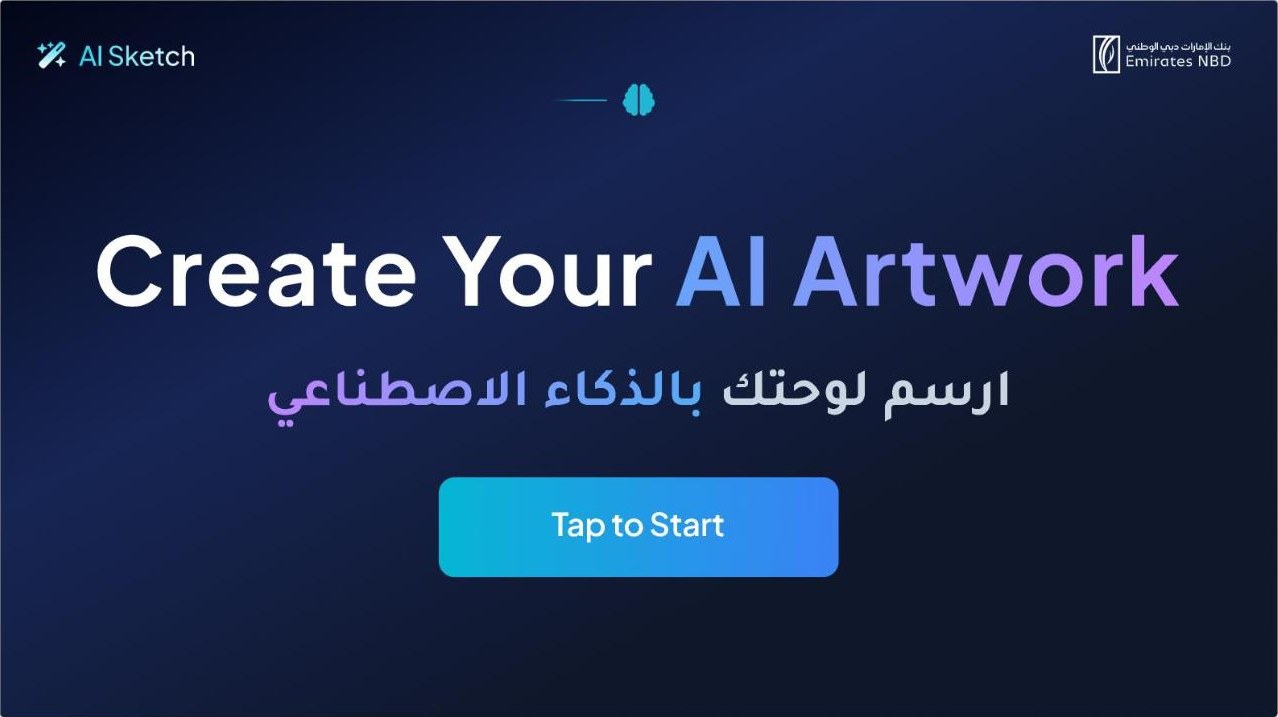
People walk up in a loud, crowded space, have no time to learn anything, and may speak Arabic or English.
Designed the full flow across two screens, in both languages, from the idle screen to the QR download.
Ran at the event for walk-up visitors in both languages, with one action per screen and copy short enough to read while standing.
Design for the person who will use it once
Enterprise software rewards learning. An event screen punishes it. Every visitor is a first-time user, often with people waiting behind them, so anything that needs explaining is a failure. I worked on site in Dubai with the Rayqube team and the client, then remotely through delivery.
Five steps, one action each
An idle screen that invites a tap from a distance.
Only the fields needed to send the artwork.
A canvas with a few big tools, nothing to configure.
AI turns the drawing into artwork while the visitor watches.
A QR code to download the artwork on their own phone.
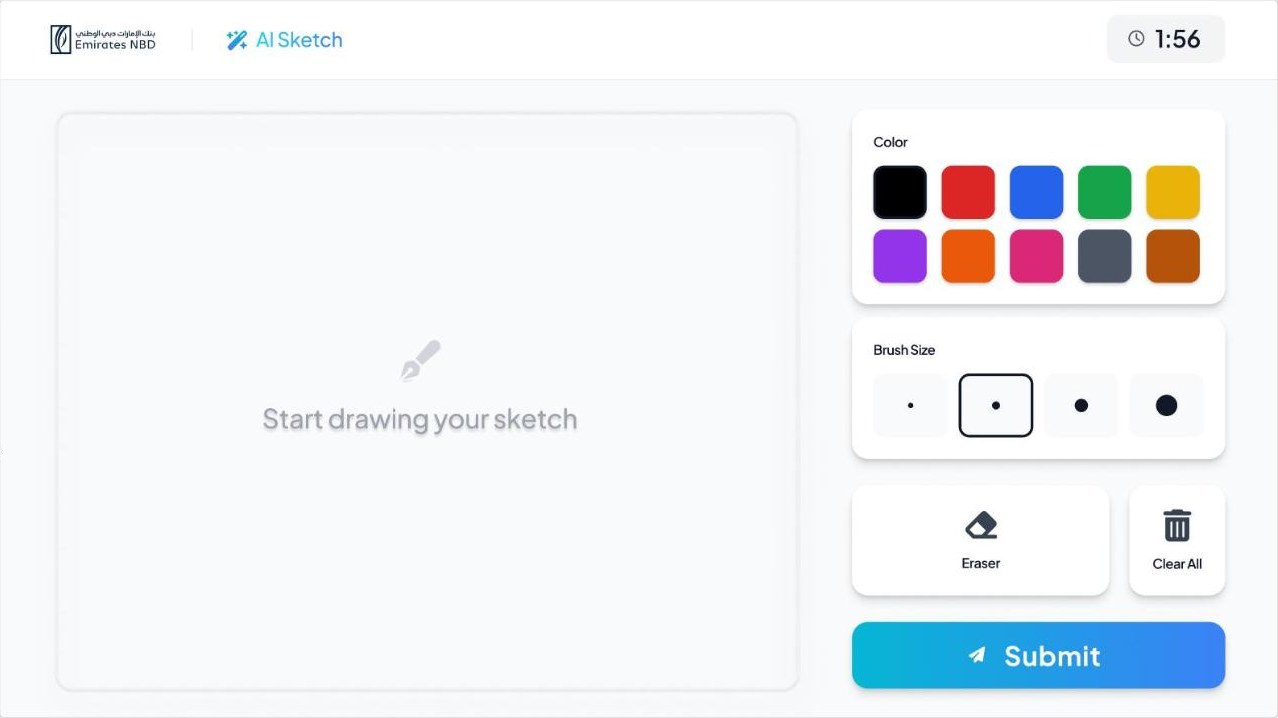
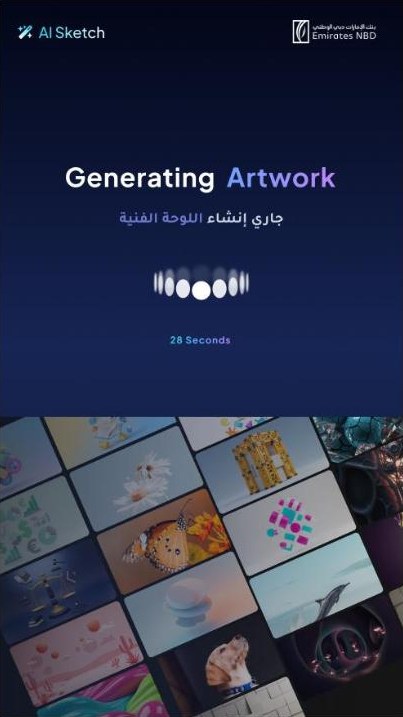
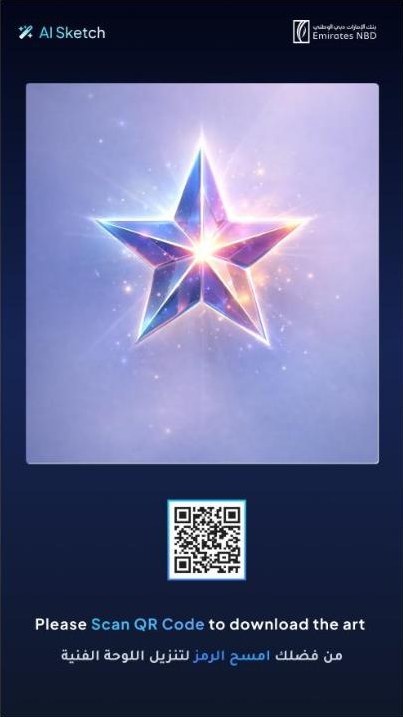
Rules that came from the room
Readable from a step back
Large type, high contrast and short lines, because nobody leans in to read a kiosk.
Touch targets for hurried hands
Primary actions are big and in the same place on every step.
Always show progress
A simple step indicator, so people know how long they'll be there.
Two screens, two jobs
The flow runs across a pair of screens, so each step has room to breathe instead of crowding one display.
Arabic is not a translation layer
Switching to Arabic mirrors the whole layout, not just the text: reading order, alignment, progress direction and icon direction. Arabic strings run a different length from English, so every screen was designed to hold both.
What I'd measure next time
For event experiences, the two numbers that matter are completion (how many people who tap actually reach the QR code) and time to artwork. Next time, I'd agree on both with the client before the event and log them, so the design is judged on evidence, not impressions.